We Are All Over The World

Find Out

Brods and Sis Around the World

The Interactive Map allows you to put yourself on the map. You’ll be surprised that a Brod or a Sis is just nearby.

Instruction on how to use the map can be found below.

(A Google account is needed to edit the map.)

My Location

Follow this video to put yourself on the map.

How To:

  1. Make sure that you are logged in your Google account in another browser. Once logged, click the My Location button.
  2. In the Search bar, enter your address, or an address near you.
  3. Move accordingly the map, zoom in or out using the zoom button at the bottom right of the screen. You can use your mouse’s scroller to zoom in or out.
  4. Once in position, click the Pin icon, and click the map where you are located.
  5. Enter your name in the title, and in the description enter the city you are located and your Batch Number or Batch Date.
  6. Change the color of the pin to your liking or preferably the maroon color, the first color that you will find at the top of the color swatch. Close the swatch when done.
  7. Congratulations, you are now in our Map. You can check who are near you.
  8. CAUTION: Don’t delete or move the existing pins.

MESSAGES FROM AROUND THE WORLD

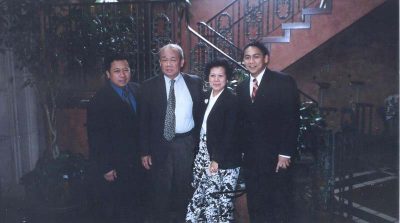
Greetings from Tomas Alejan Sajo, DPubAd, Founder, SIGMA CHI Fraternity and MU SIGMA PHI Sorority

Read more

Greetings from Editha Harder Mijares-Ardiente, Idyllic Sister Premier 1965 from Illinois, USA.

Read more

Greetings from Teodorico Paredes Gonzales, Jr, Batch 5

Read more

Greetings from Stephen (Jose Sixto) Supen Mercado, Batch 22

Read more

Greetings from Jonah Simpao Macuro-Feca, MIS, AY 1993-94 (2nd Sem.)

Read more

Greetings from  Veronica Del Castillo Zerrudo, MIS, AY 2001-02, from Iloilo

Read more

Greetings from Mary Rose Llanora Soliva-Garzon, MIS, AY 1993-94 (1st Sem.) from New Zealand

Read more